Help Centre › Company Setup
Connect Your Integrations
Prepsheets currently has two integrations — Square (your EPOS) and DateCodeGenie (label printing). You manage both on the Integrations page. And it's open-ended: if there's another system you want to connect and it offers an API, just contact Prepsheets and the team will build the integration.
Where do I set up integrations?
Go to Settings and open Integrations.
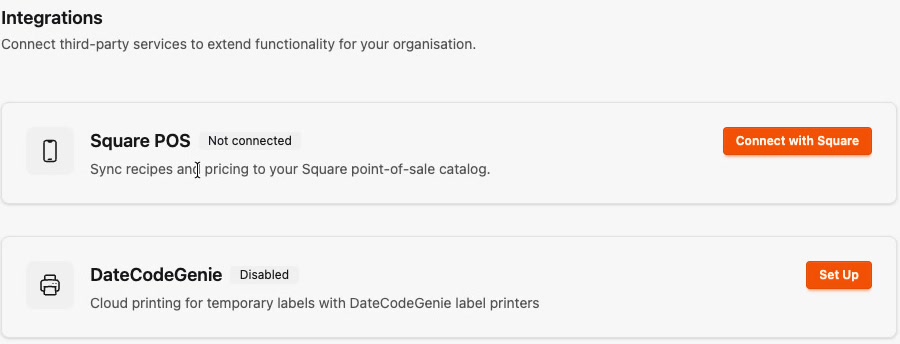
The two integrations available today
- Square — sync your recipes and pricing to your Square point-of-sale catalogue. Click Connect with Square.
- DateCodeGenie — for label printing. Click Set Up, and your DateCodeGenie representative will complete the setup for you.
Want to connect something else?
Square and DateCodeGenie are the two integrations Prepsheets offers right now, and more are added as customers ask for them. If you use another system — a different EPOS, a stock platform, a digital menu display — get in touch with Prepsheets. As long as the system allows API integrations, the team will make the connection.
Tip: Not sure whether your system can connect? Ask Prepsheets anyway — if it has an API, it can very likely be integrated.