Help Centre › Your Account
Log In Without a Password, and Set a New One
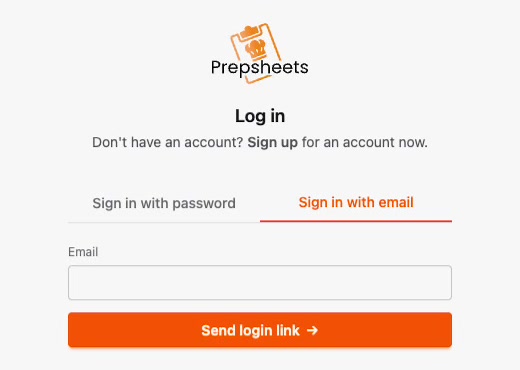
If you've forgotten your Prepsheets password, you don't need to reset anything. On the log in page choose Sign in with email, enter your email address, and Prepsheets sends you a one-click magic link that logs you straight in. Once you're inside, you can set a new password from your account settings.
How do I log in without a password?
- Go to the Prepsheets log in page.
- Click the Sign in with email tab.
- Type the email address your account uses and click Send login link.
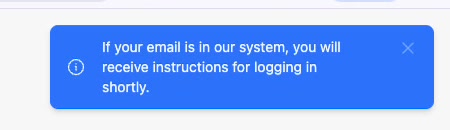
Prepsheets confirms the link is on its way: "If your email is in our system, you will receive instructions for logging in shortly."
What happens when I follow the link?
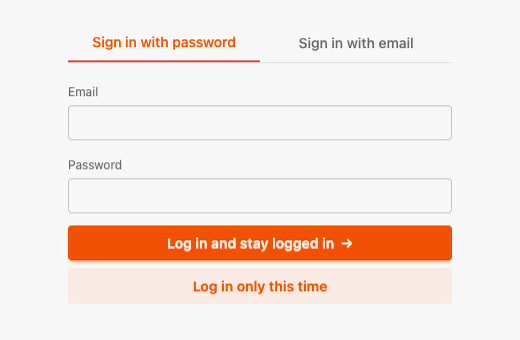
Open the email and follow the login link. Prepsheets then offers two choices:
- Log in and stay logged in — use this on your own computer or kitchen tablet so you don't have to sign in every time.
- Log in only this time — use this on a shared or public device.
How do I set or change my password?
Once you're logged in, set a password so you can sign in normally next time:
- Click your initial in the top right corner.
- Open your profile to reach the Account Settings page.
- Type your new password into New password, then again into Confirm new password.
- Click Save Password.
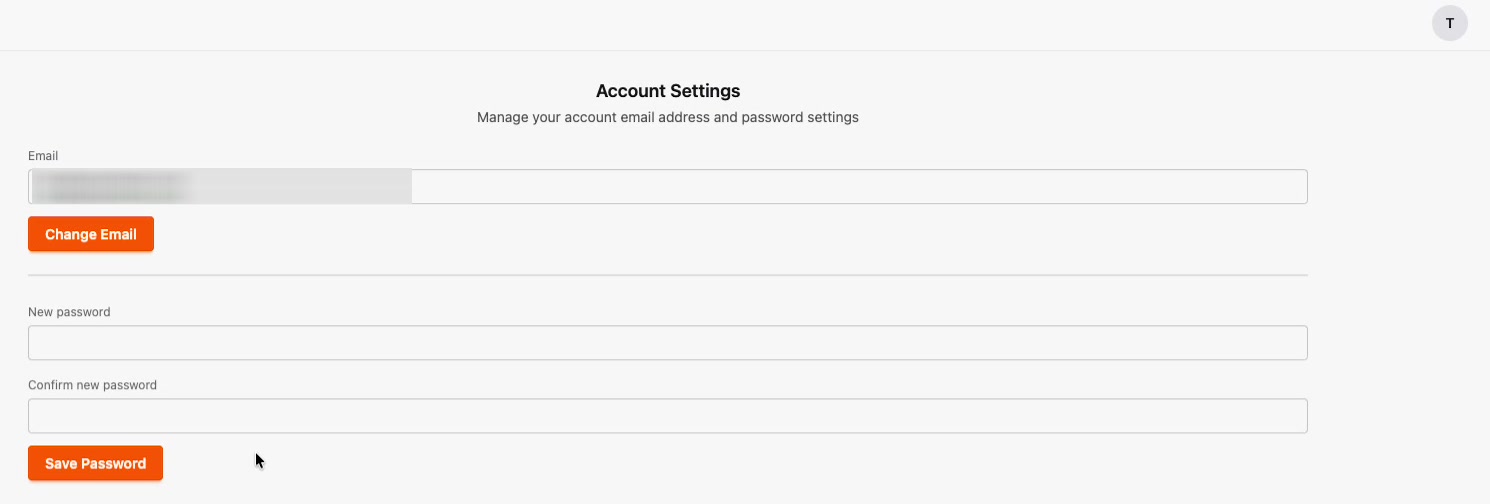
From then on you can log in with your email address and the password you just saved — or use the magic link again any time you forget it. You can also change the email address on your account from this same page using Change Email.
Common questions
What is a magic link?
A magic link is a single-use login link sent to your email address. Clicking it logs you into Prepsheets without a password, which is handy when you've forgotten yours or you're setting up a new device.
Do I have to use a password at all?
No. You can log in with a magic link every time if you prefer. Setting a password simply makes signing in faster.
Does the magic link expire?
Login links are single-use and time-limited for security. If yours no longer works, just request a new one from the Sign in with email tab.